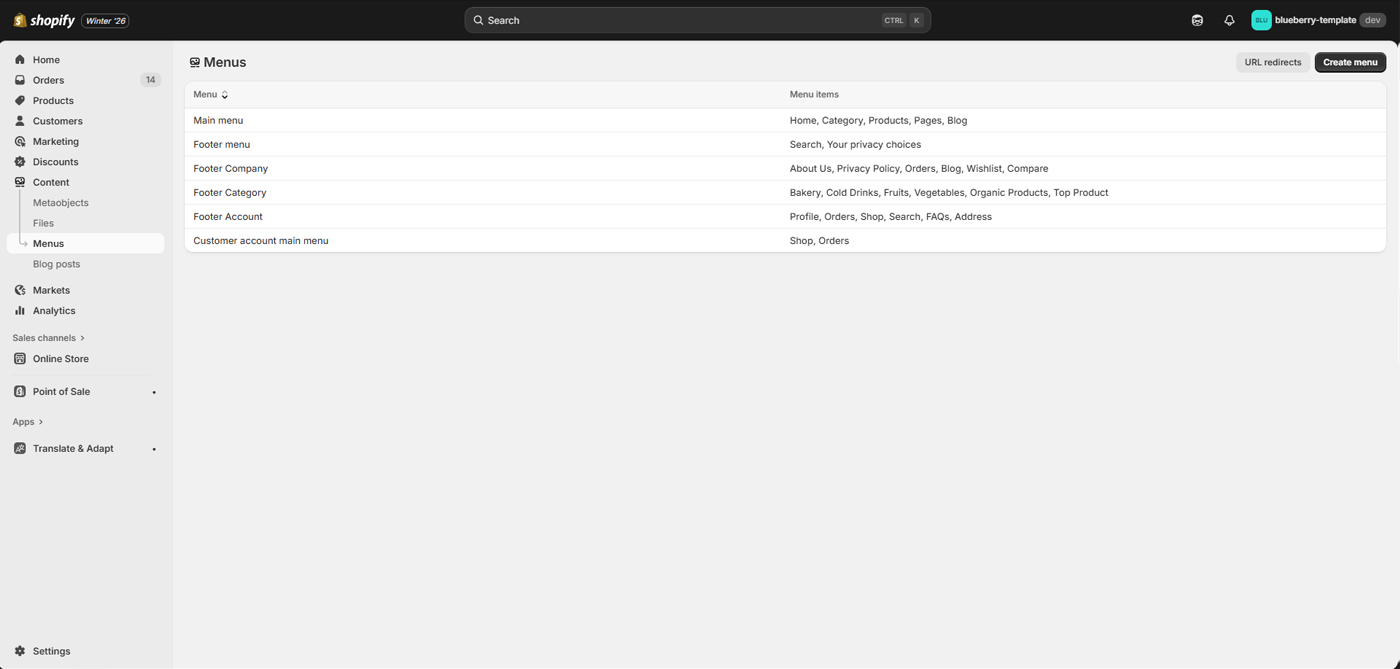
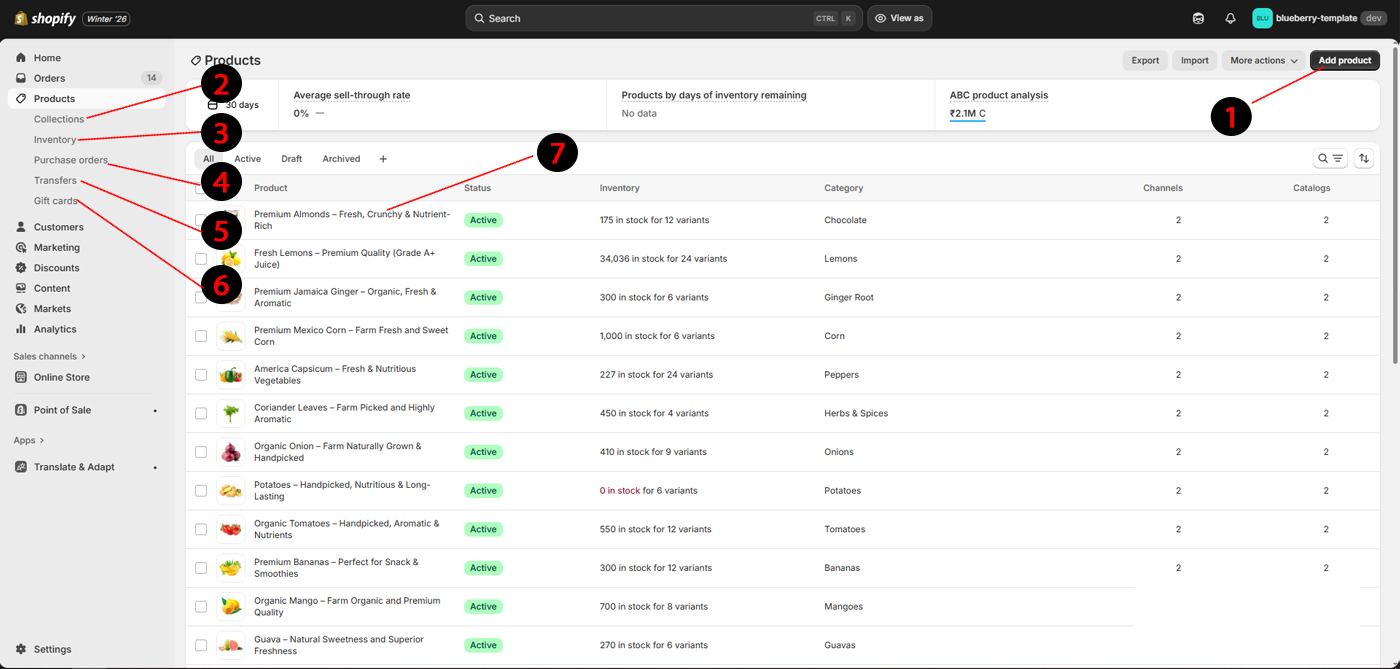
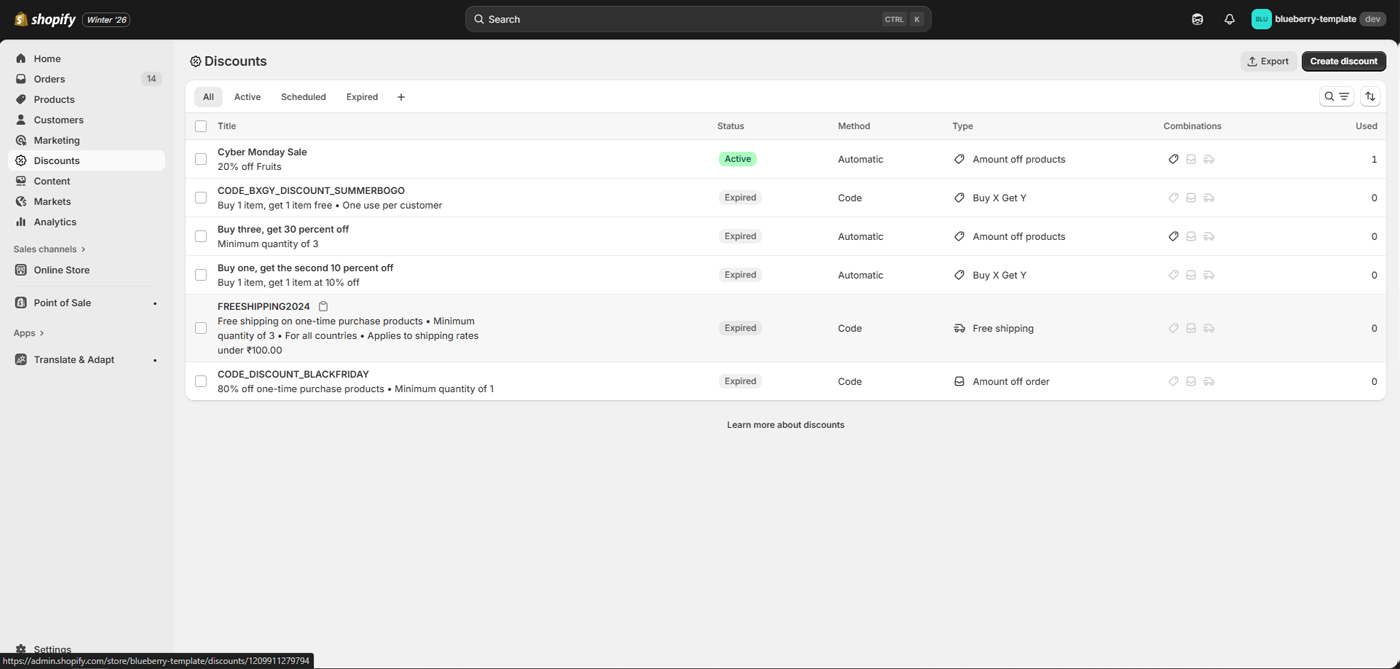
Goto Admin > Content > Metaobjects
Add or edit Metaobjects for the settings and use it with key. like you can create "Sort Description" on product met then use is on product page using "custom.sort_desc"({{ product.metafields.custom.sort_desc | metafield_text }})
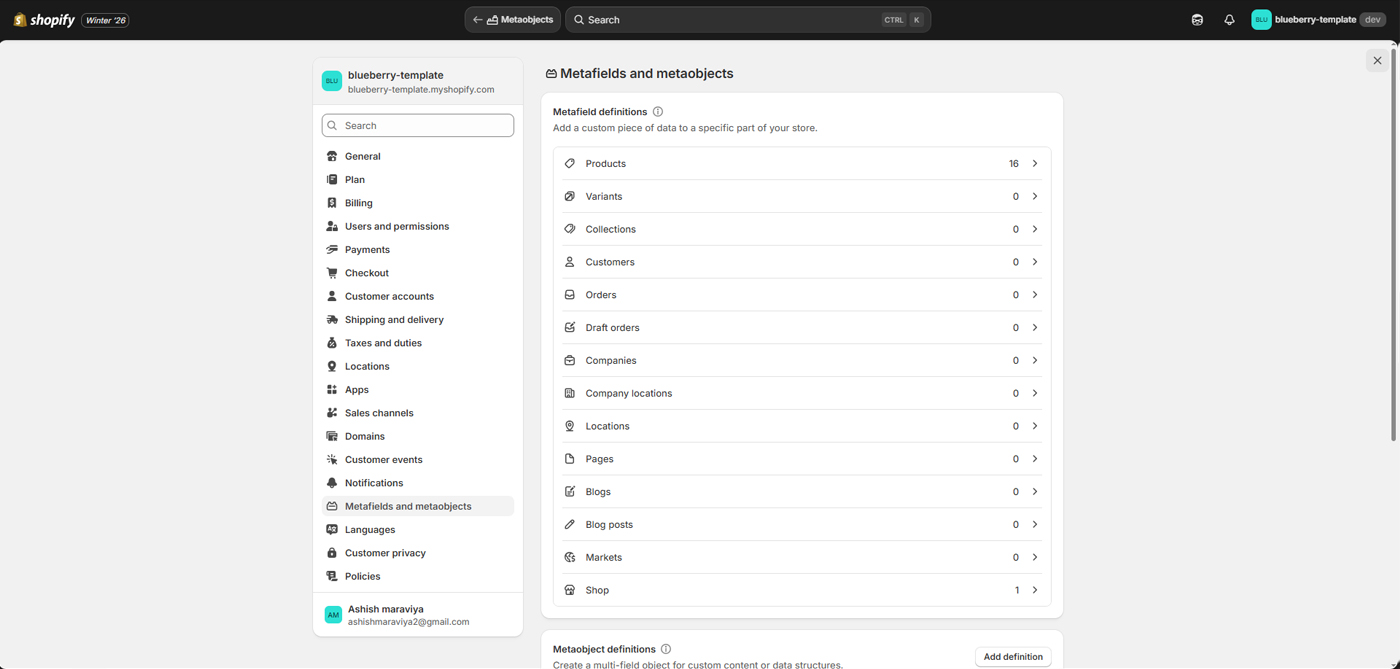 Products
You need to add all metadata for the product that shown below image.
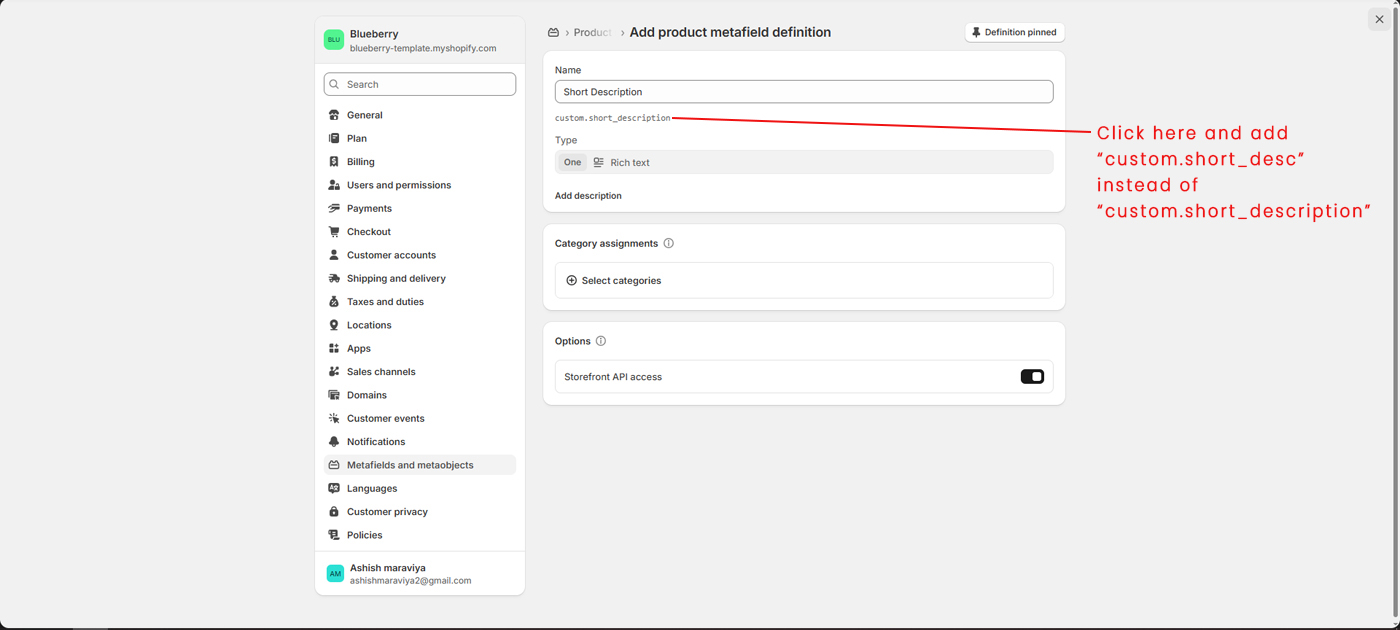
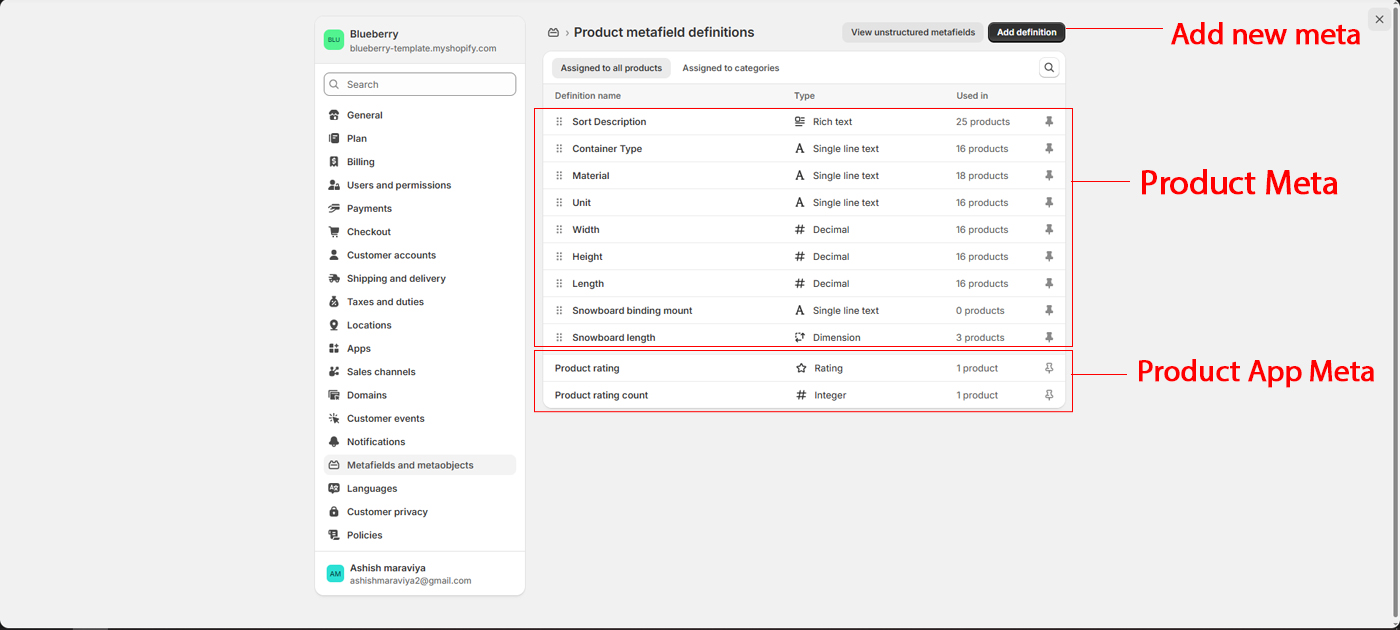 For example "Sort Description" Go to Admin > Metafields and metaobjects > Products > Add Definition
- Name : Sort Description
- Namespace and key : "custom.sort_desc" instead of "custom.sort_description"
- Type : Rich Text
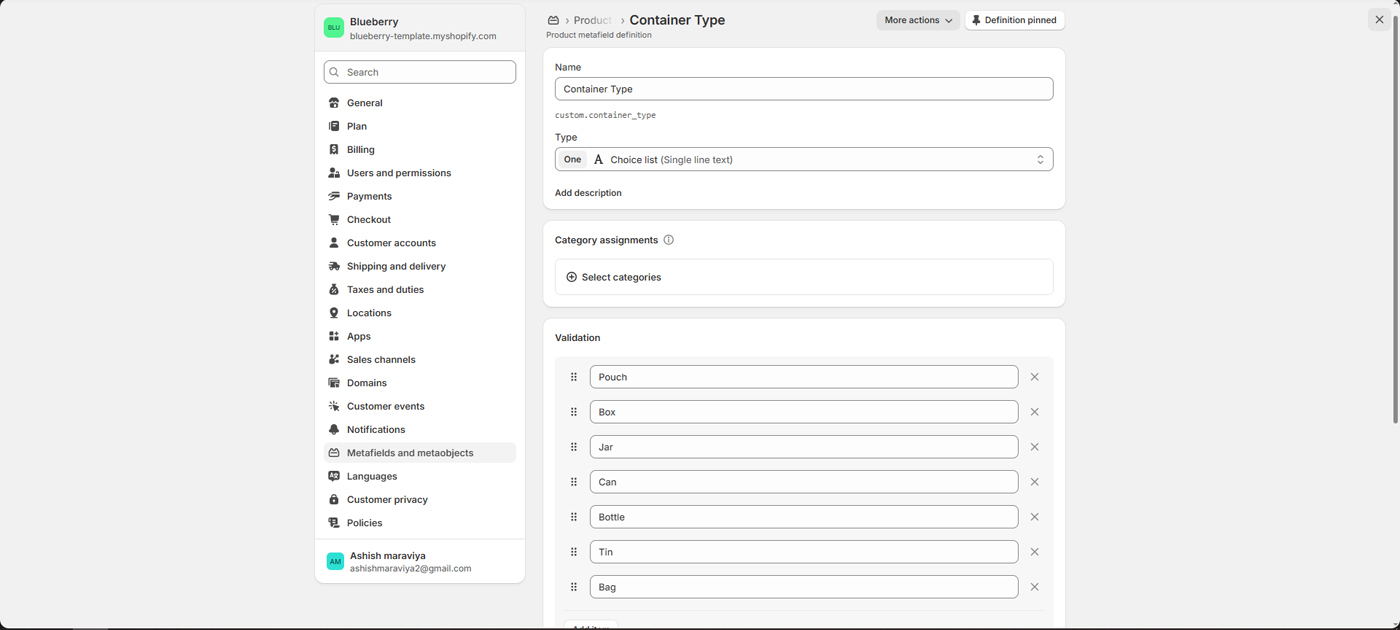
 For example "Container Type"
- Name : Container Type
- Namespace and key : "custom.container_type"
- Type : Choice List
- Validation : Pouch, Box, Jar, Can, Bottle, Tin, Bag
 For example "Material"
- Name : Material
- Namespace and key : "custom.material"
- Type : Single line text
- Name : Unit
- Namespace and key : "custom.unit"
- Type : Single line text
- Name : Width
- Namespace and key : "custom.width"
- Type : Decimal
- Name : Height
- Namespace and key : "custom.height"
- Type : Decimal
- Name : Length
- Namespace and key : "custom.length"
- Type : Decimal